

Tessa Knowledge
Digital Asset Management Brainfood
Expertise, news and trends around digital asset management, product information management and e-commerce.

DAM for Manufacturers: Manage Product Images & Assets

Product images, videos, data sheets, and brand assets grow with every new product. A DAM helps you as a manufacturer manage media centrally, link it to products, control approvals and usage rights, and distribute content efficiently to retail and sales.

Comparison of SaaS and on-premises DAM systems: Advantages, disadvantages and application areas
SaaS or On-Premises? This article looks at the advantages and disadvantages of each. Find out which solution best meets your needs and which approach is most suitable in which application areas. Read now!

Reducing costs and increasing sustainability through good product detail pages in online retailing
In e-commerce good product detail pages can noticeably reduce your returns and your costs. But there are even more positive effects: Your company becomes more sustainable. Why? We explain it in the following article.

Customer Experience: The role of DAM and PIM
Did you know that a positive customer experience is the key to satisfied customers? With DAM and PIM, you create consistent experiences and sustainably strengthen your brand. Discover how these two systems can work together to delight your customers!
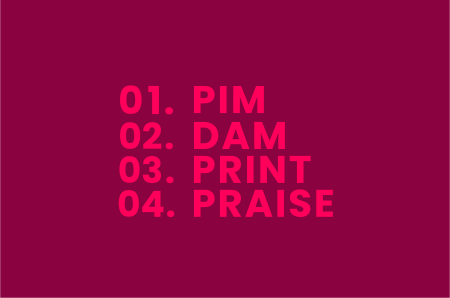
Magic Trinity – Prepare for the smoothest entry into the world of PX!
PIM – DAM – PRINT – PRAISE! Three partners to give you a head start. Three solutions in two needs-oriented entry packages allow you to quickly leverage your product data and images to produce simple publications.

TESSA DAM compared to other DAM providers
Here’s why a customizable and scalable Digital Asset Management (DAM) system can be crucial for your business. What features are essential, and how do you find the right solution? Learn how DAM can optimize your processes and seamlessly integrate into your software landscape!

How to Organize Your Images and Build a Searchable Archive

Digital images appear in seconds and pile up at a breathtaking pace. On your phone, camera, computer, and in the cloud, thousands of shots gather quickly, and without a thoughtful system, finding the right one becomes a test of patience. Organizing images means structuring that collection so you can find every shot fast, share it cleanly, and never keep a version twice. This guide shows you how, from the general basics to the difference between personal and professional use, all the way to concrete tools and practical examples.